Network Management
Network Support in Kansas City, MO
Slow, dropping or down. Find out which box is doing it.
Office Network Support in Kansas City
Network support in Kansas City keeps an office's firewall, switches, Wi-Fi and internet connection working, monitored and up to date. Describe the symptom and the size of the space, and you get a diagnosis plan and a quote.
"The internet is slow" is five different faults. A failing access point. A switch running firmware from the year it was bought. One laptop syncing a huge photo library. A carrier problem two blocks away. Wi-Fi channels fighting the tenant upstairs.
Guessing wastes a week. Monitoring tells you which one in minutes, and tells you before the staff notices.
What Network Management Covers
Network management is the ongoing version of network support. Same equipment, looked after on a schedule and not only when it fails.
Firewall Management
Rules reviewed, firmware current, remote access locked behind multi-factor sign-in and subscriptions renewed before they lapse.
Switches and Segments
Guest, staff, phones and cameras separated, so a visitor's laptop cannot see your accounting server.
Wi-Fi Coverage
Access points placed from a survey, not a guess. Dead corners and overloaded conference rooms get fixed at the cause.
Internet Failover
A second connection from a different carrier that takes over automatically when the first one drops.
Monitoring and Alerts
Every network device reports its health. A dying power supply shows up as an alert, not as a Monday outage.
Documentation
A diagram, an address plan and a record of every admin login, kept current and owned by you.
How Network Support Works
Describe the Symptom
When it happens, who it hits and what changed lately.
Measure
Speed, signal, device health and carrier line are tested.
Name the Cause
You are told which component is at fault, with the readings.
Repair or Replace
The fix is applied and documented.
Monitor
Alerts stay on so the next fault is caught early.
Why Choose Us for Network Support?
Evidence Before Blame
The carrier gets a call with test results attached. That shortens the argument.
Supported Gear Only
A firewall its maker no longer patches is a liability, and you are told plainly when yours is one.
Segmented by Default
Guests, phones and cameras each get their own lane. It is a few hours of work that limits most damage.
Old Buildings Understood
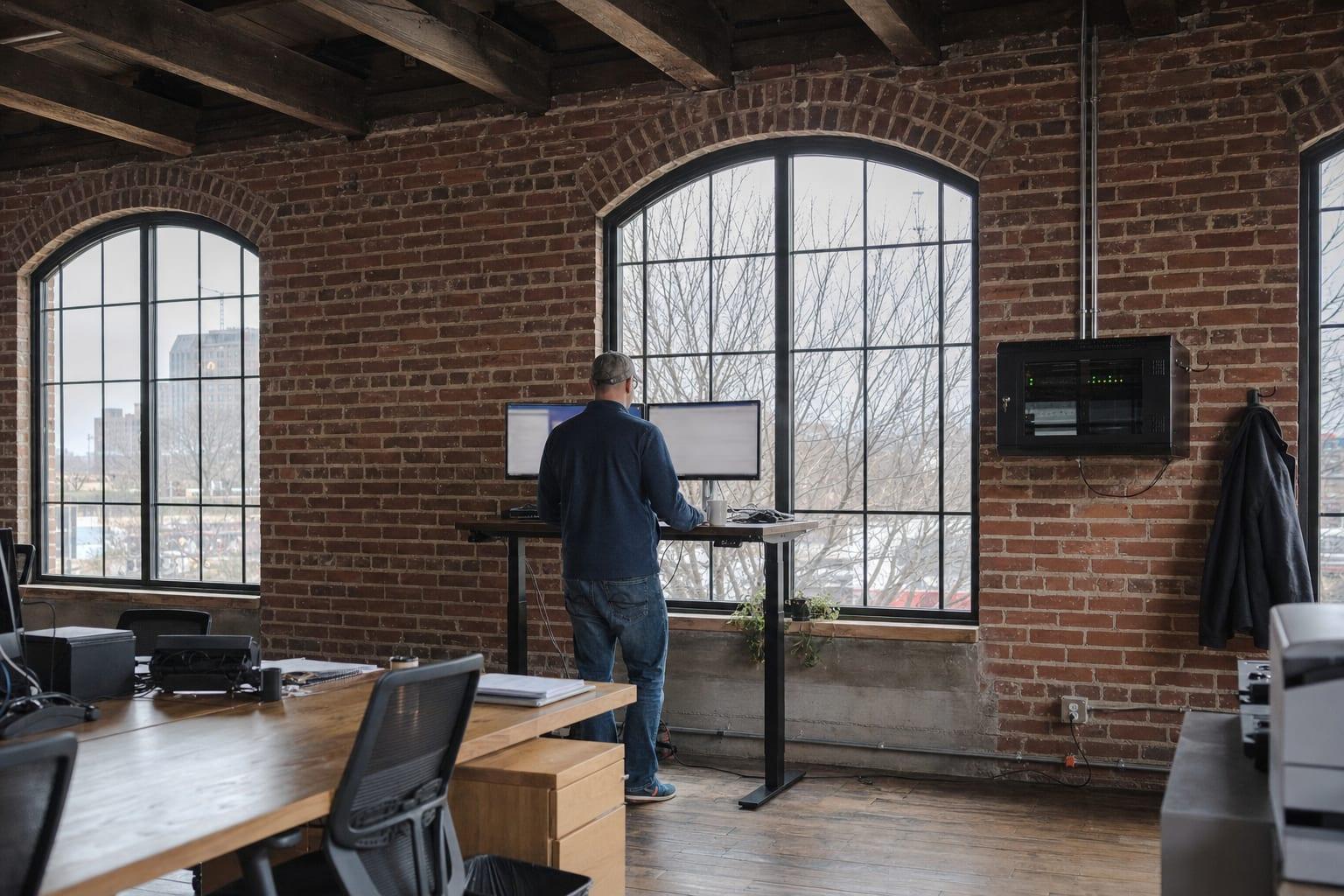
Brick, plaster and thick floors eat Wi-Fi. Converted warehouses and older storefronts need a survey, not a bigger router.

Network Support Pricing
| Work | Price | What sets it |
|---|---|---|
| Troubleshooting visit | Custom quote | The fault and the size of the network |
| Monthly network management | Custom quote | Number of devices, sites and segments |
| Network refresh project | Custom quote | Equipment, cabling condition and floor area |
Equipment is quoted as its own line, separate from labor and from any monthly management fee. If your existing gear is sound and still supported by its maker, the quote says so and leaves it alone.
Talk to a Kansas City Managed IT Team
How big is the space, how many people, and when does it slow down?
Call (816) 551-2447Get a Free Quote
No obligation.

Areas We Cover in Missouri
Network Support Questions
What does network support include?
Network support includes troubleshooting and maintaining the firewall, switches, wireless access points and internet connection in an office. It also covers firmware updates, monitoring, guest network setup and calls to the internet carrier when the fault is on its side.
Why is my office Wi-Fi slow?
Slow office Wi-Fi usually comes from too few access points, poor placement, interference from neighboring networks or an aging router doing three jobs at once. A wireless survey measures signal and congestion room by room, which shows where to add or move equipment.
What is the difference between network support and network management?
Network support fixes a problem after someone reports it. Network management watches and maintains the same equipment continuously, with monitoring, scheduled updates and documentation, so fewer problems reach the reporting stage.
Does a small office need a business firewall?
A small office needs a business firewall once it holds customer data, runs remote access or accepts cards. Consumer routers lack the filtering, logging and update life that insurers and auditors expect. The firewall also has to be kept on current firmware to count.