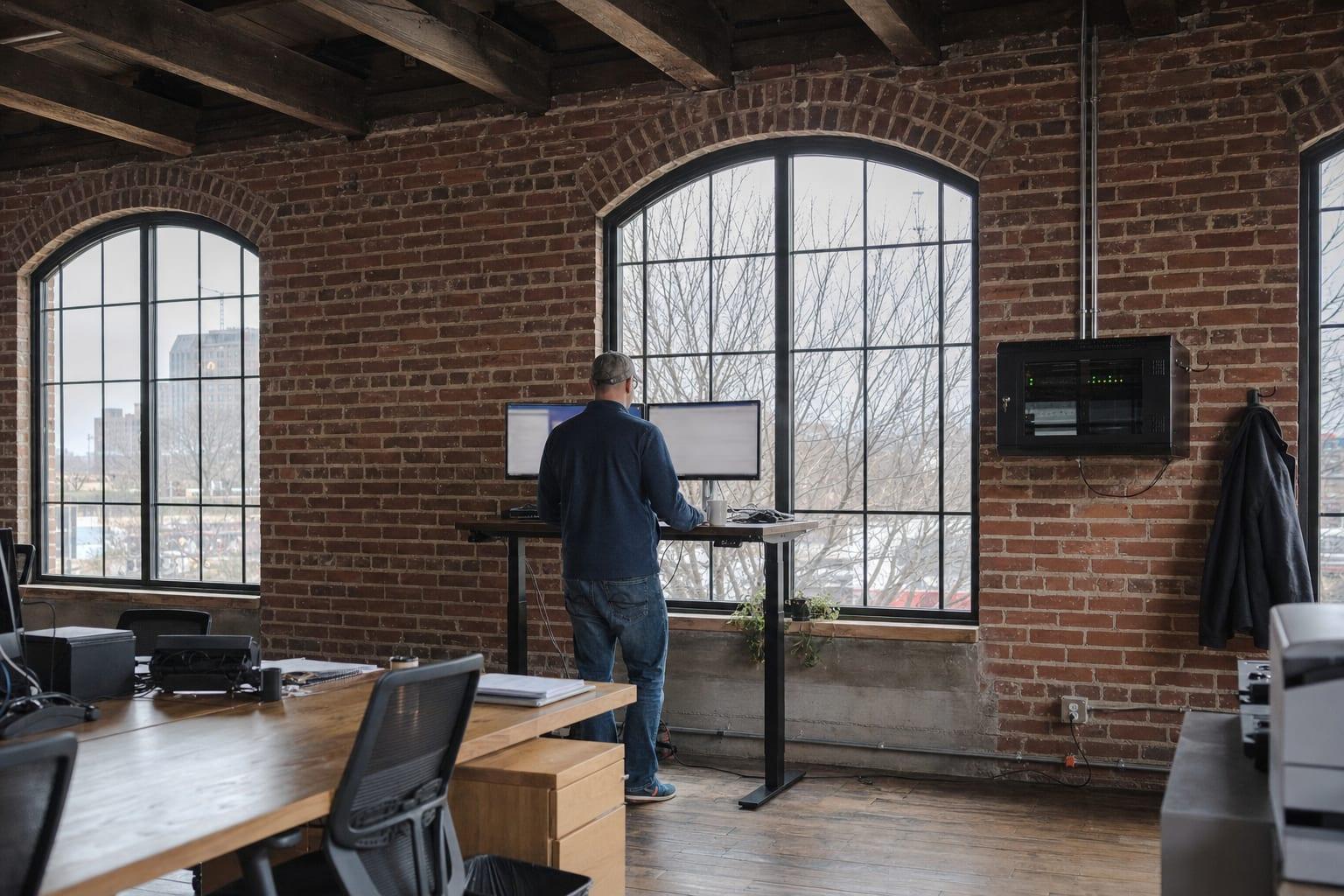
Business IT Services
IT Services in Kansas City, MO
One list of everything that plugs in. One party answering for it.
Small Business IT Services in Kansas City
IT services in Kansas City cover the full set of technology an office runs on, including computers, accounts, the network, security, phones, cameras and cabling. Tell us what you have and what is failing, and you get a written scope back.
Count the vendors. One for the internet, one for the phones, a cousin who set up the Wi-Fi in 2019, a camera installer nobody can reach. When the cameras drop off the network, each of them blames the next.
That finger-pointing is the real cost. Putting the pieces under one scope means one party owns the answer, even when the fault sits with a carrier.
IT Services for a Kansas City Office
Think of it in six layers. Most offices need some of each, and none of them works well alone.
Computers and Users
Workstations, laptops, accounts and the daily requests that come with them. This is the help desk layer.
Network and Wi-Fi
Firewall, switches and access points, monitored and kept on current firmware. The layer everything else rides on.
Security
Multi-factor sign-in, endpoint protection, email filtering and backups that get test-restored on a calendar.
Phones and Meetings
Cloud phone systems and conference rooms that start a call on the first try.
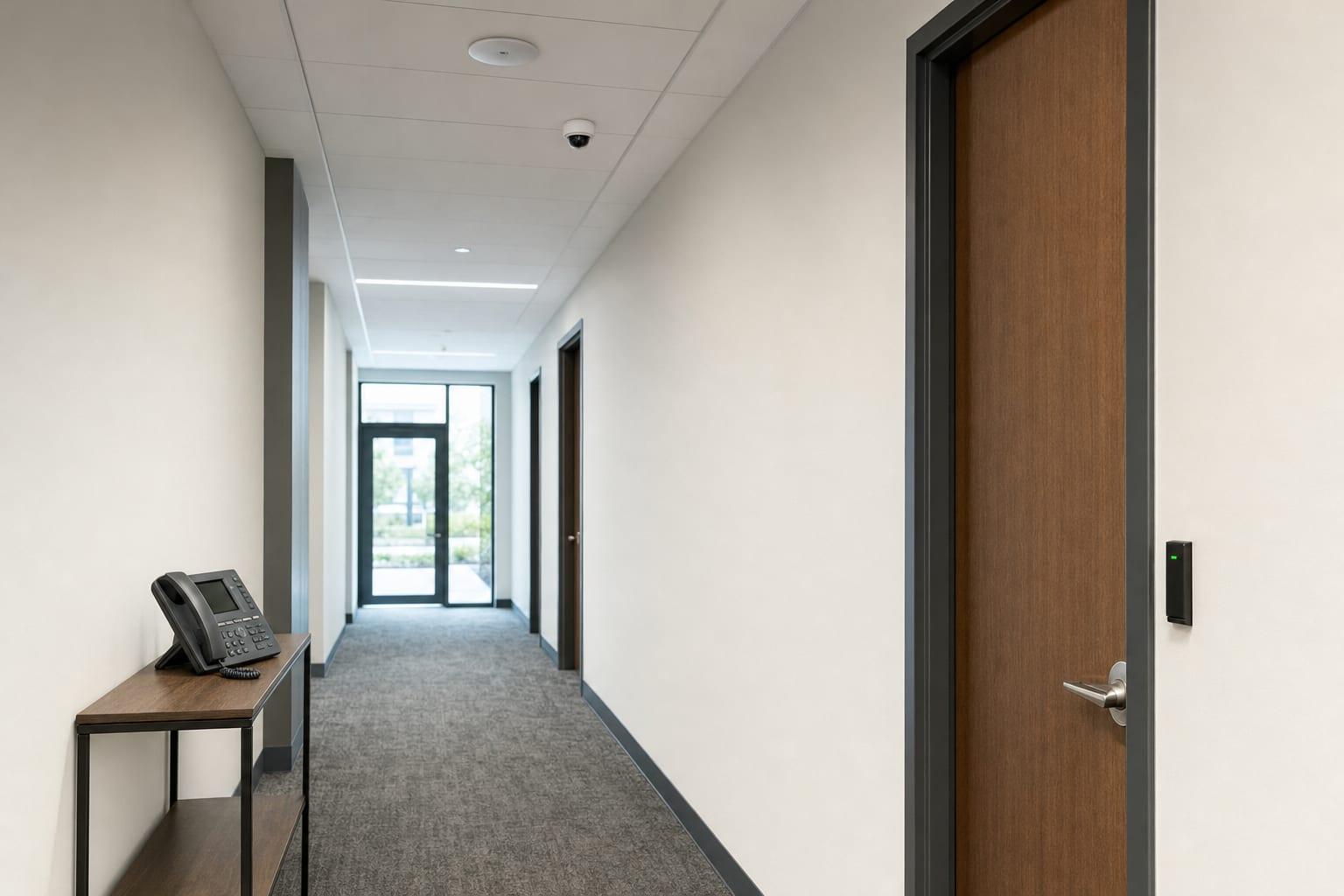
Cameras and Doors
Security cameras and access control, installed on their own network segment and kept patched like any other computer.
Cabling
The low-voltage runs behind the walls. Labeled, tested and documented so the next change takes minutes.
How IT Services Get Scoped
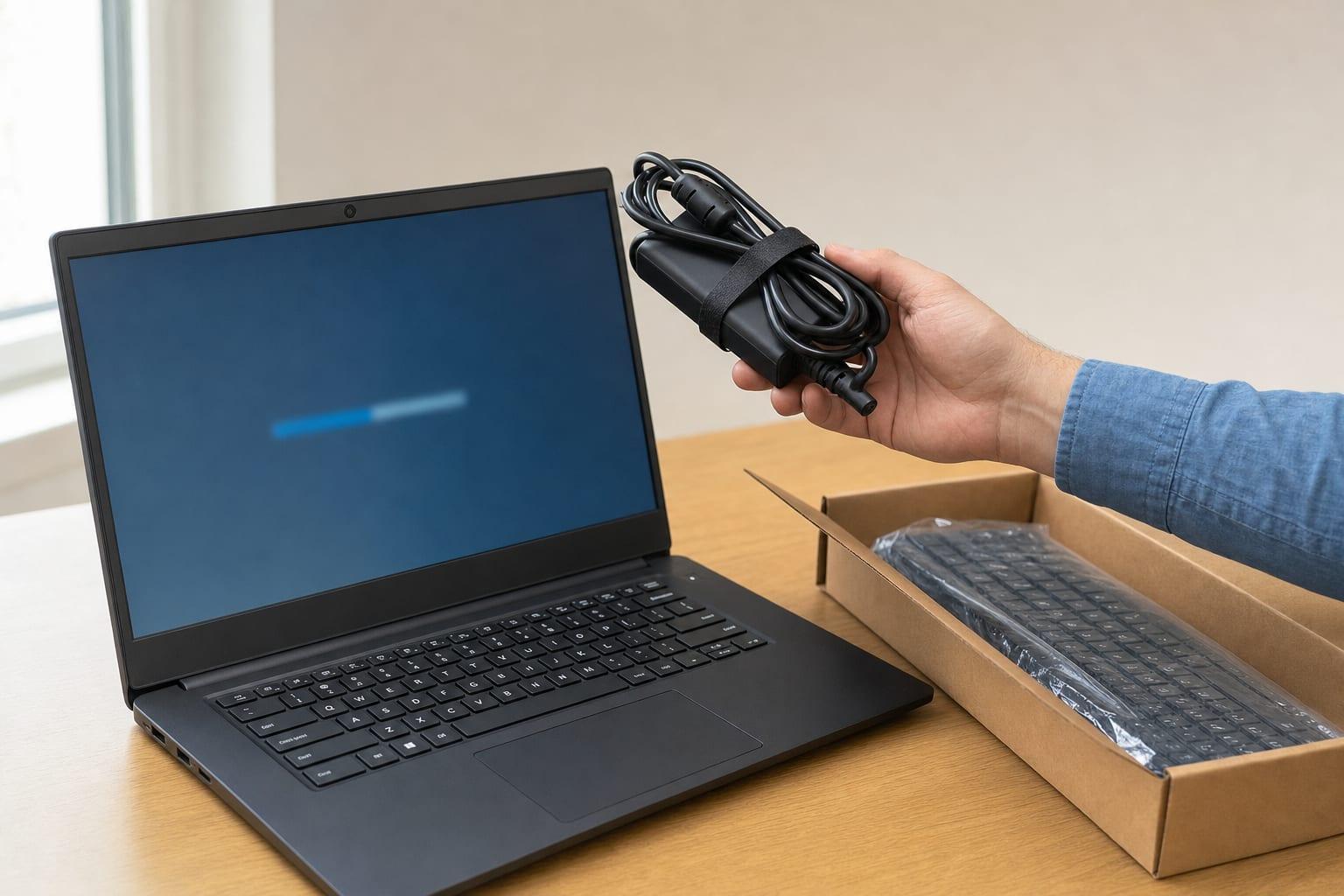
Inventory
List what you have, who uses it and who installed it.
Find the Gaps
Unpatched gear, untested backups and shared passwords get named.
Written Scope
You see what is covered, what is excluded and what each part costs.
Onboard
Agents, monitoring and documentation go in without interrupting the workday.
Run and Review
Tickets get handled, and recurring ones get a root-cause fix.
Why Choose Us for IT Services?
One Scope, One Answer
When the cameras fall off the network, you make one call. Not four.
Documented From Day One
You get a current inventory, a network diagram and a password record. They belong to you.
Projects Stay Projects
A camera install does not have to become a monthly contract. Buy the piece you need.
Bi-State by Default
The metro runs across two states, and so do plenty of its companies. Multi-site scopes are normal here.

IT Services Pricing in Kansas City
| Type of work | Price | What sets it |
|---|---|---|
| Ongoing monthly services | Custom quote | Users, devices, sites and coverage hours |
| Installation projects | Custom quote | Equipment, cable distances and building type |
| Assessment or audit | Custom quote | Size of the environment and depth of review |
Every figure is quoted against your actual office after a conversation or a walkthrough. Ongoing services and one-time projects are priced separately so you can see which is which. Equipment and licenses appear as their own lines.
Talk to a Kansas City Managed IT Team
Start with the list. Computers, phones, cameras, doors, and who you call for each today.
Call (816) 551-2447Get a Free Quote
No obligation.
Areas We Cover in Missouri
IT Services Questions
What are the top IT services companies?
The top IT services companies for a small office are local providers that fit your size, not the largest national names. Shortlist three, then compare written scopes, exclusions, who answers the phone and whether you keep your own admin passwords. Rankings online are mostly paid listings.
Are there data centers in Kansas City, Missouri?
Kansas City, Missouri has commercial data centers, and most small offices never need to rent space in one. Cloud email, file storage and backup already run in a provider's facilities. What matters to you is knowing where your data lives and that a restore has been tested.
What do IT services include for a small business?
IT services for a small business include user support, network and Wi-Fi management, security tools, backups and scheduled updates. Many scopes add phones, cameras, door access and cabling. The agreement should list every covered item and every exclusion.
What is the difference between managed IT and co-managed IT?
Managed IT means an outside provider runs your technology end to end. Co-managed IT means the provider works alongside your own IT employee, taking the tools, after-hours coverage or projects that one person cannot carry. The split of duties goes in writing either way.